
Booking software for rentals, tours, charters, classes and stays
- Take the booking.
- Get paid.
- Sign the waiver.
- Check them in.
Online booking, card payments, digital waivers and QR check-in in one system, built for the way you sell. Nothing for operators to pay.
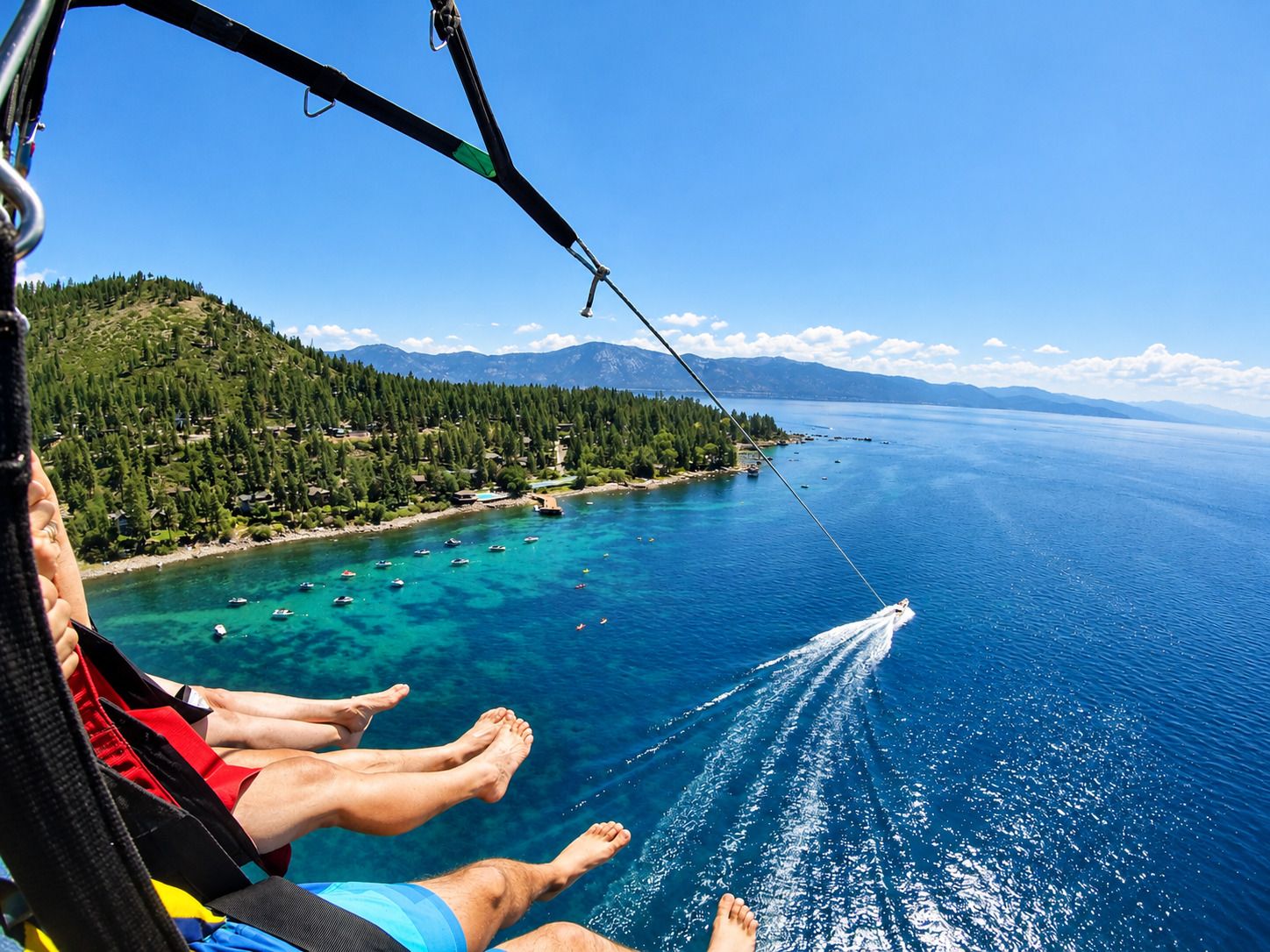
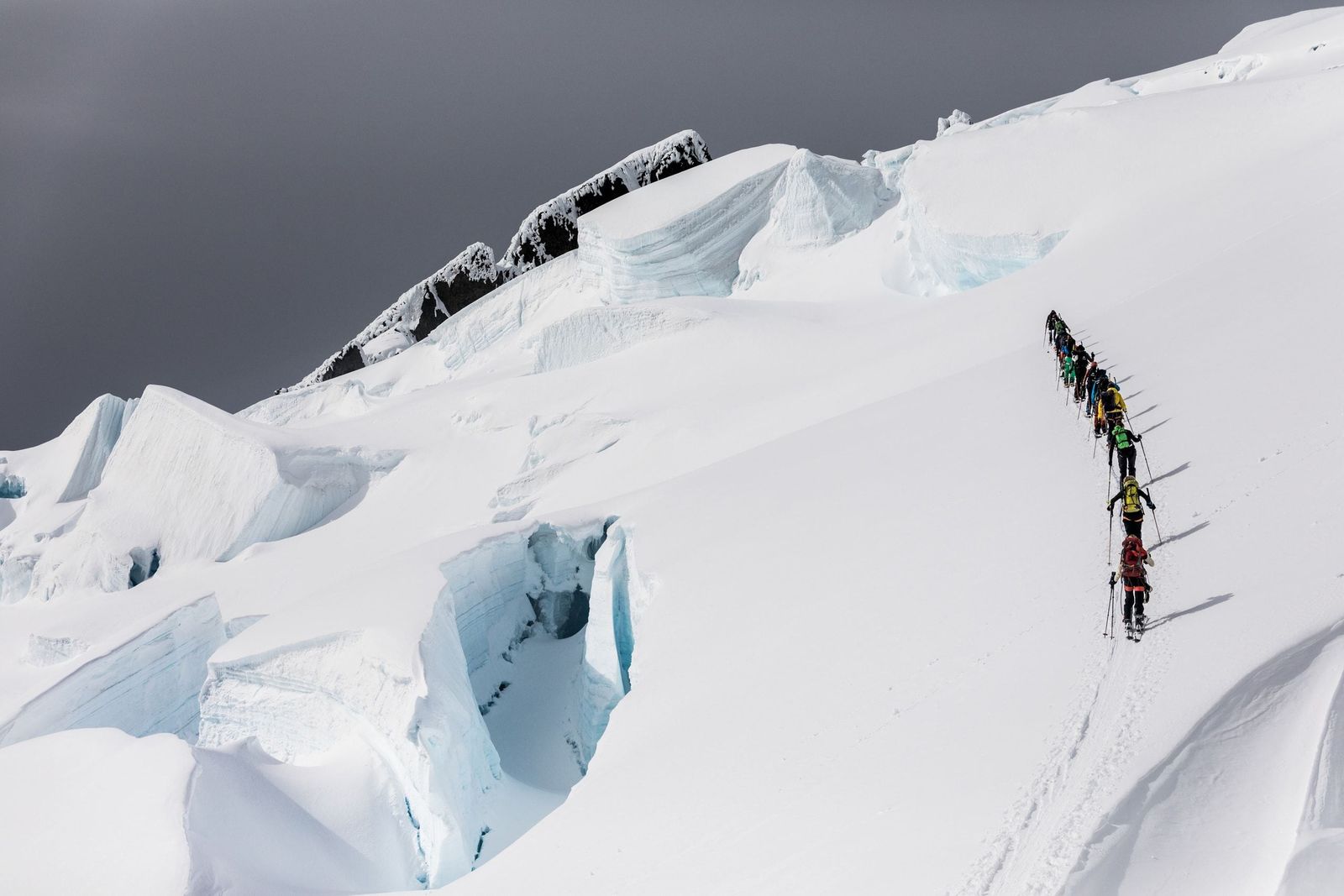
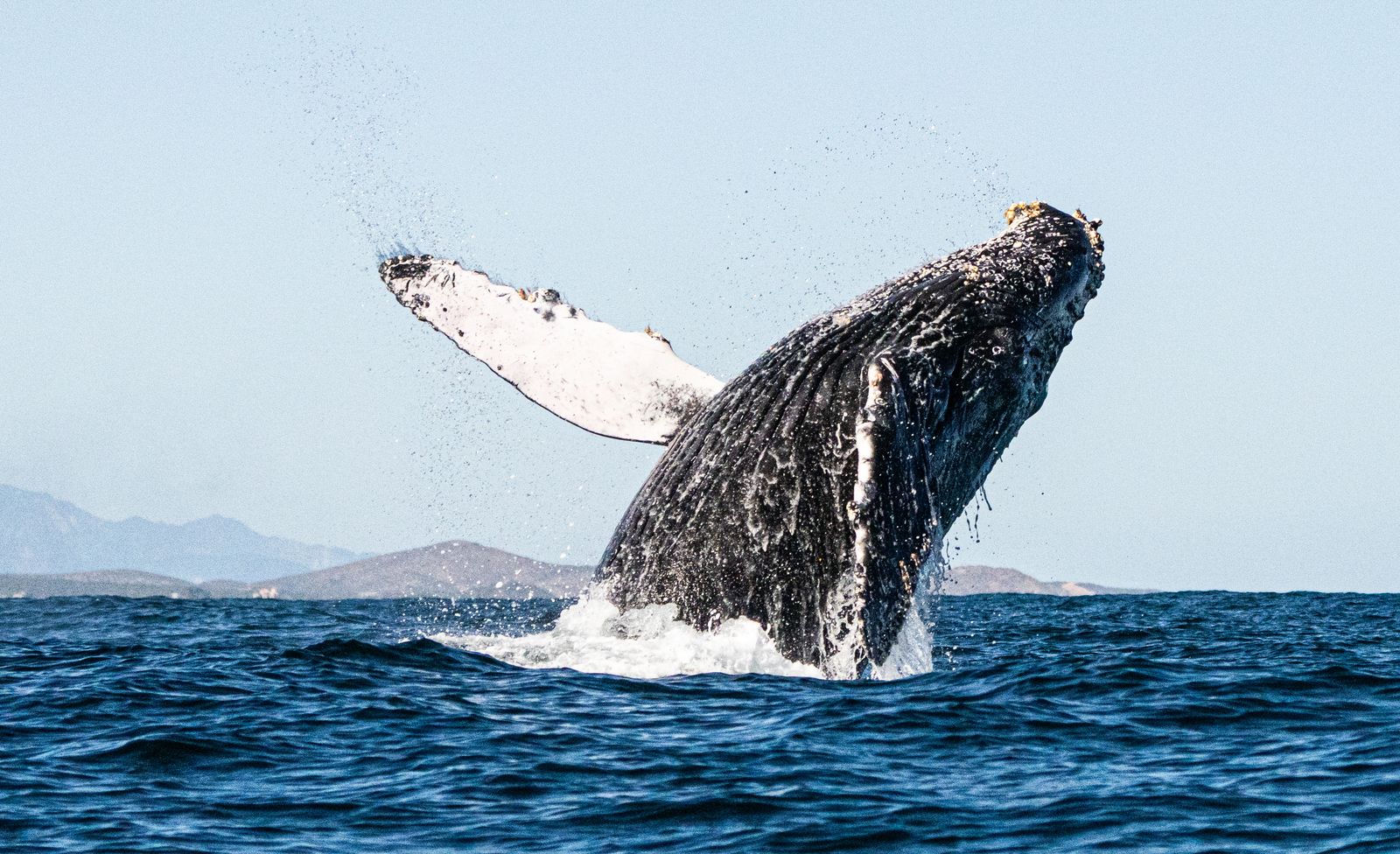
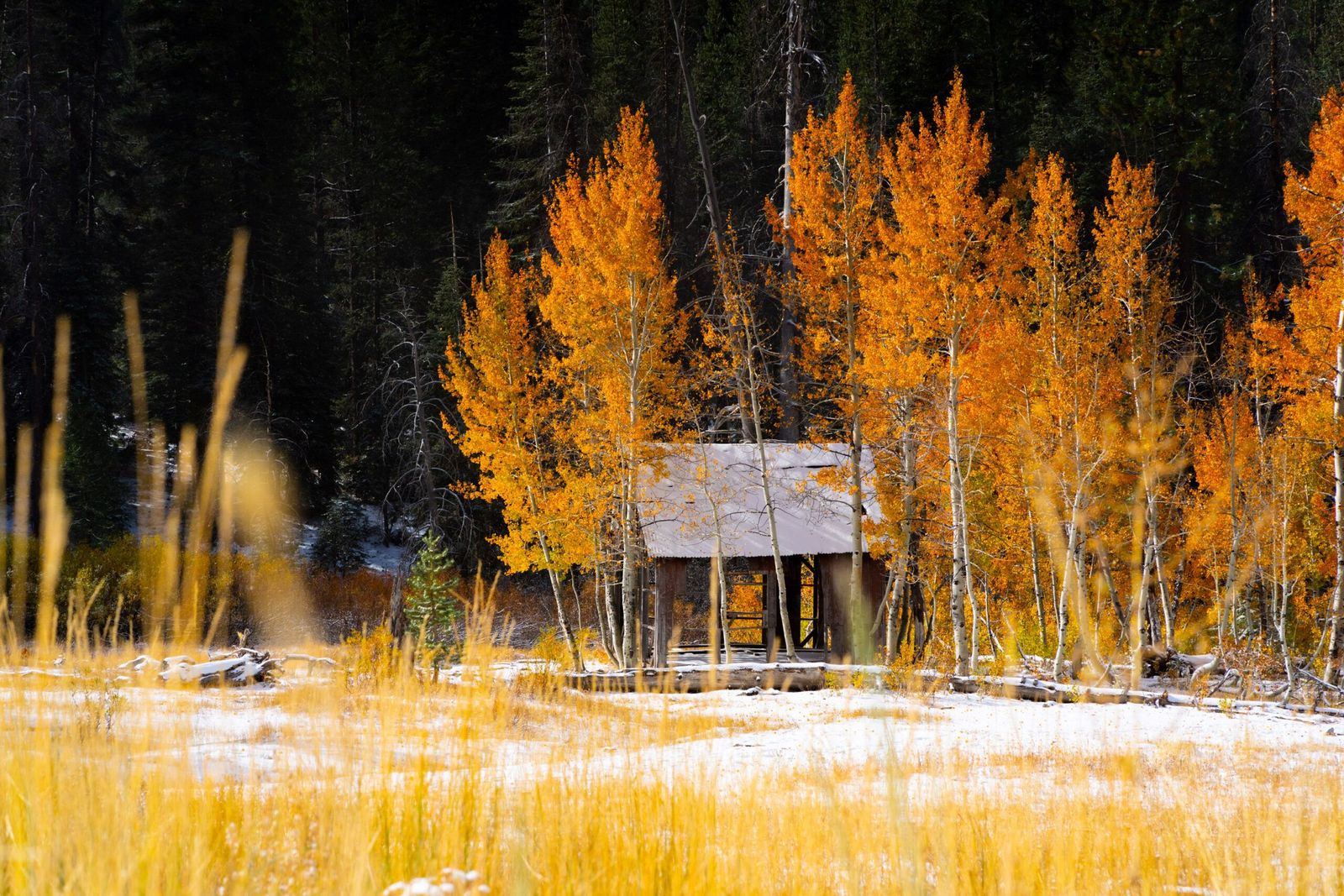
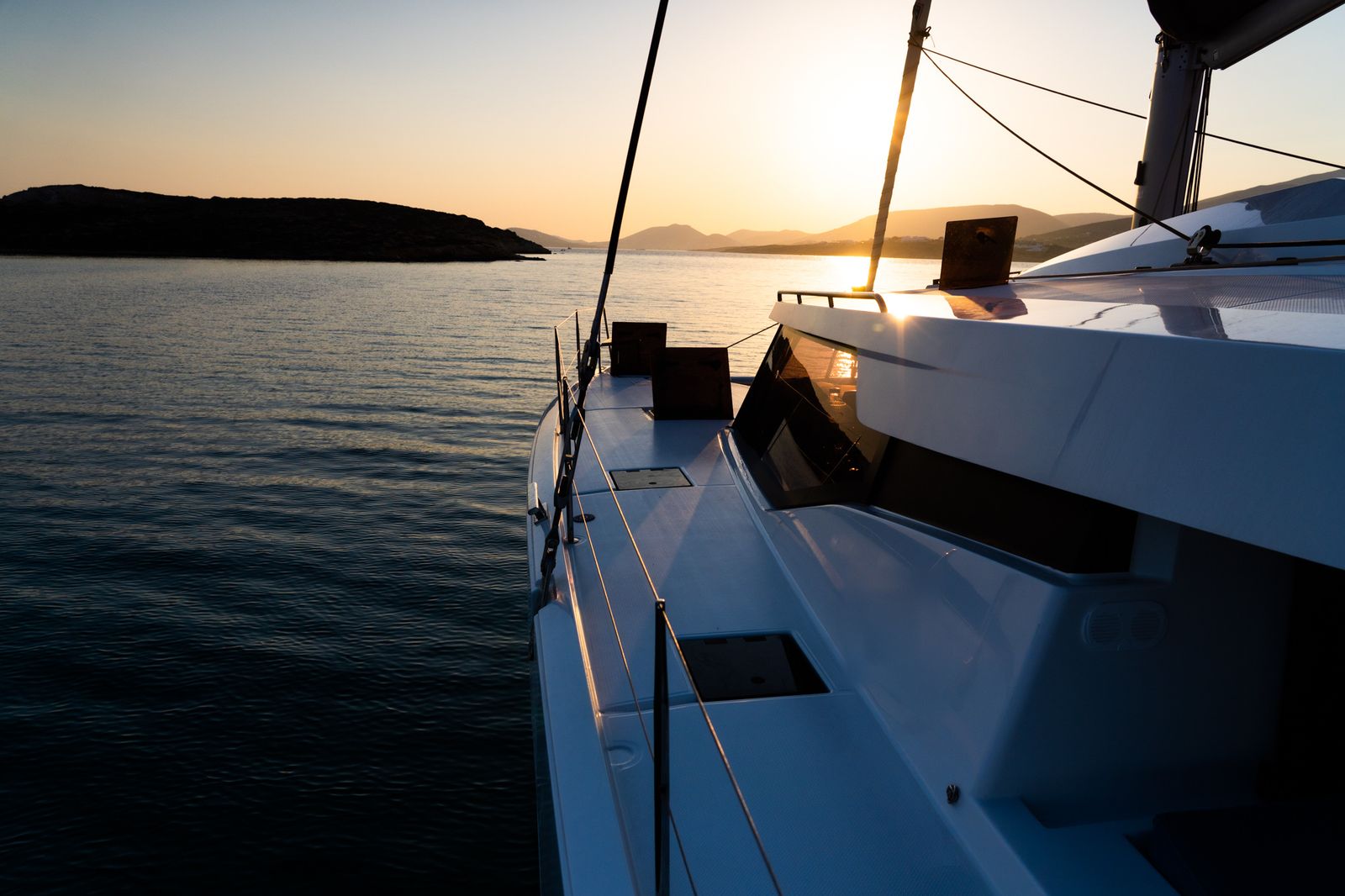
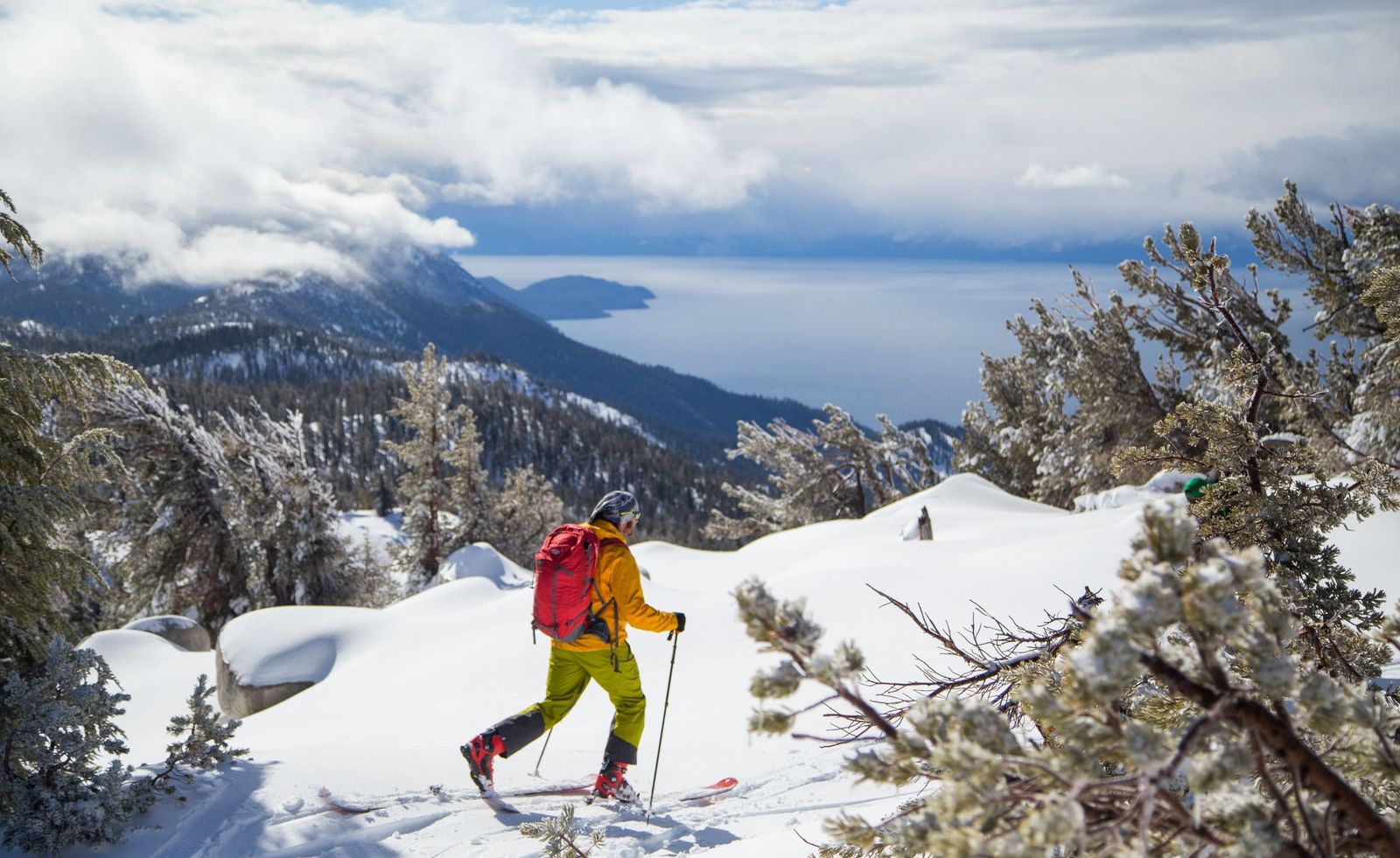
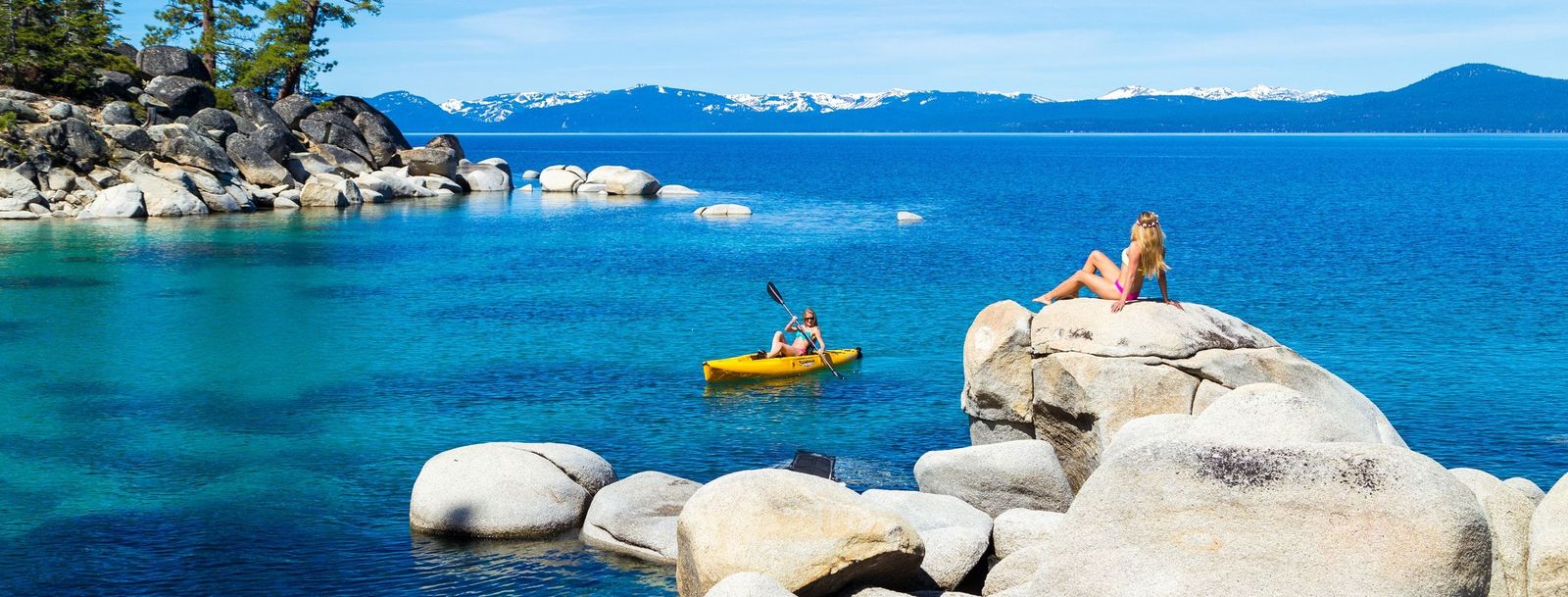

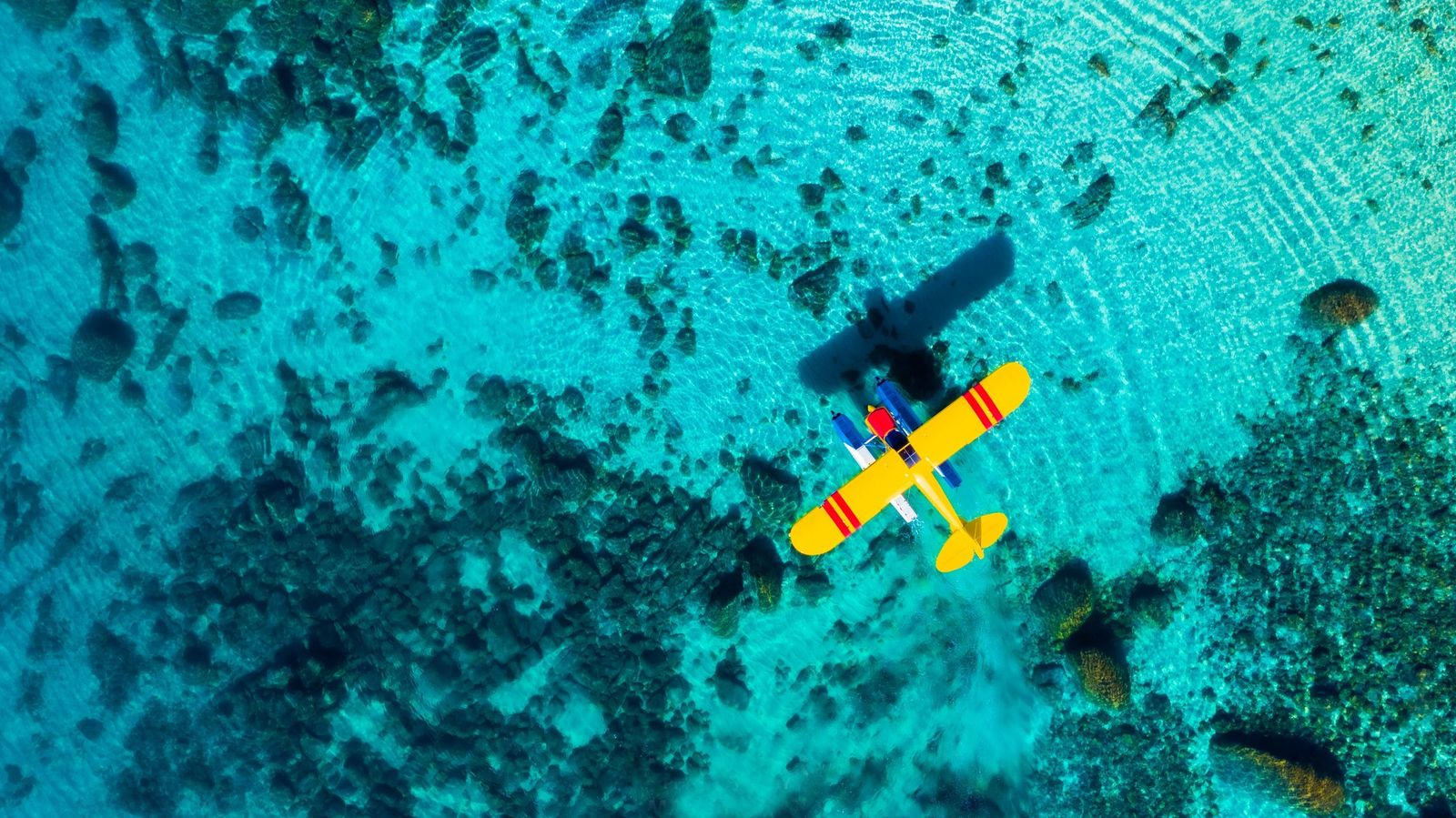
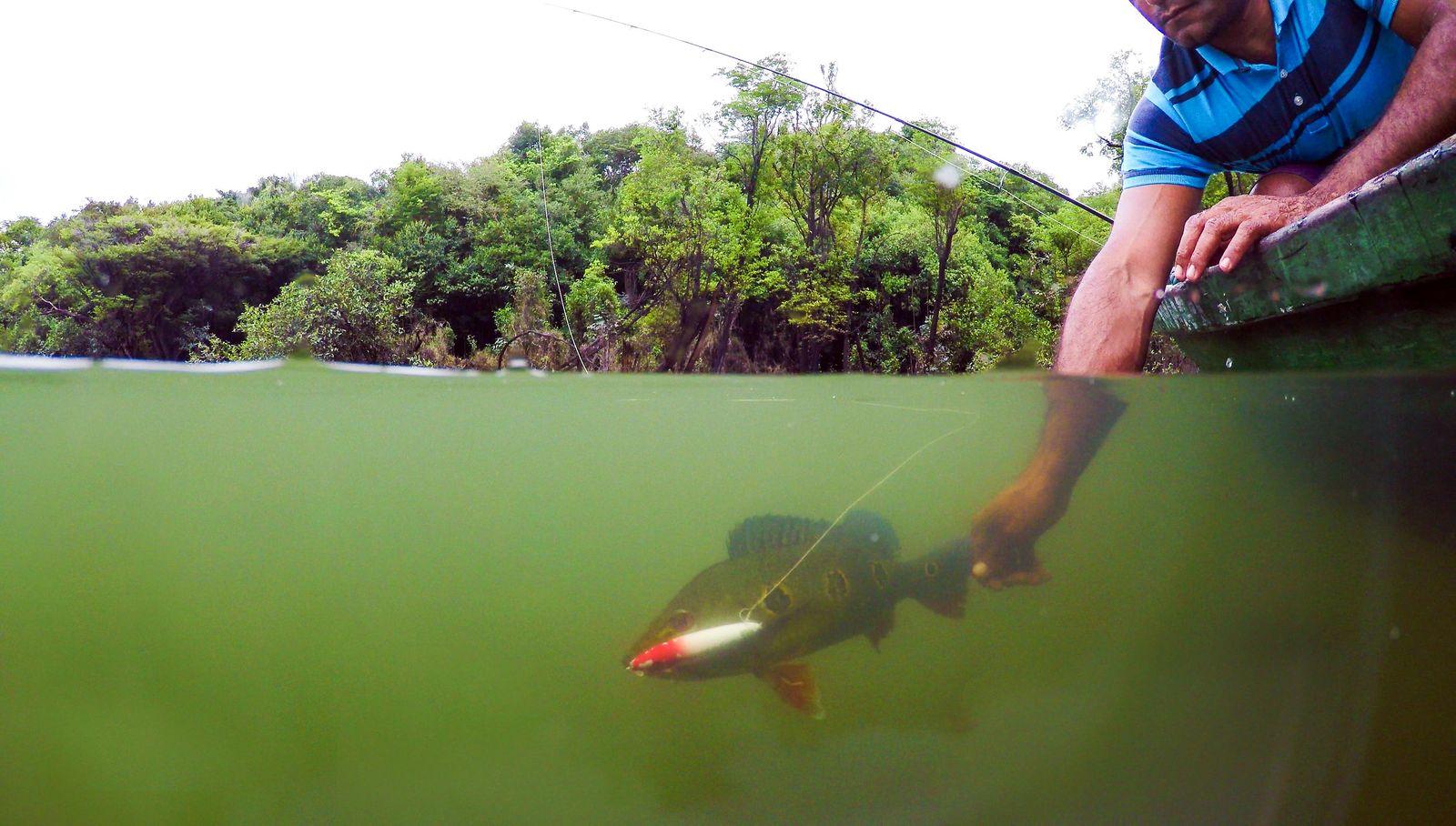
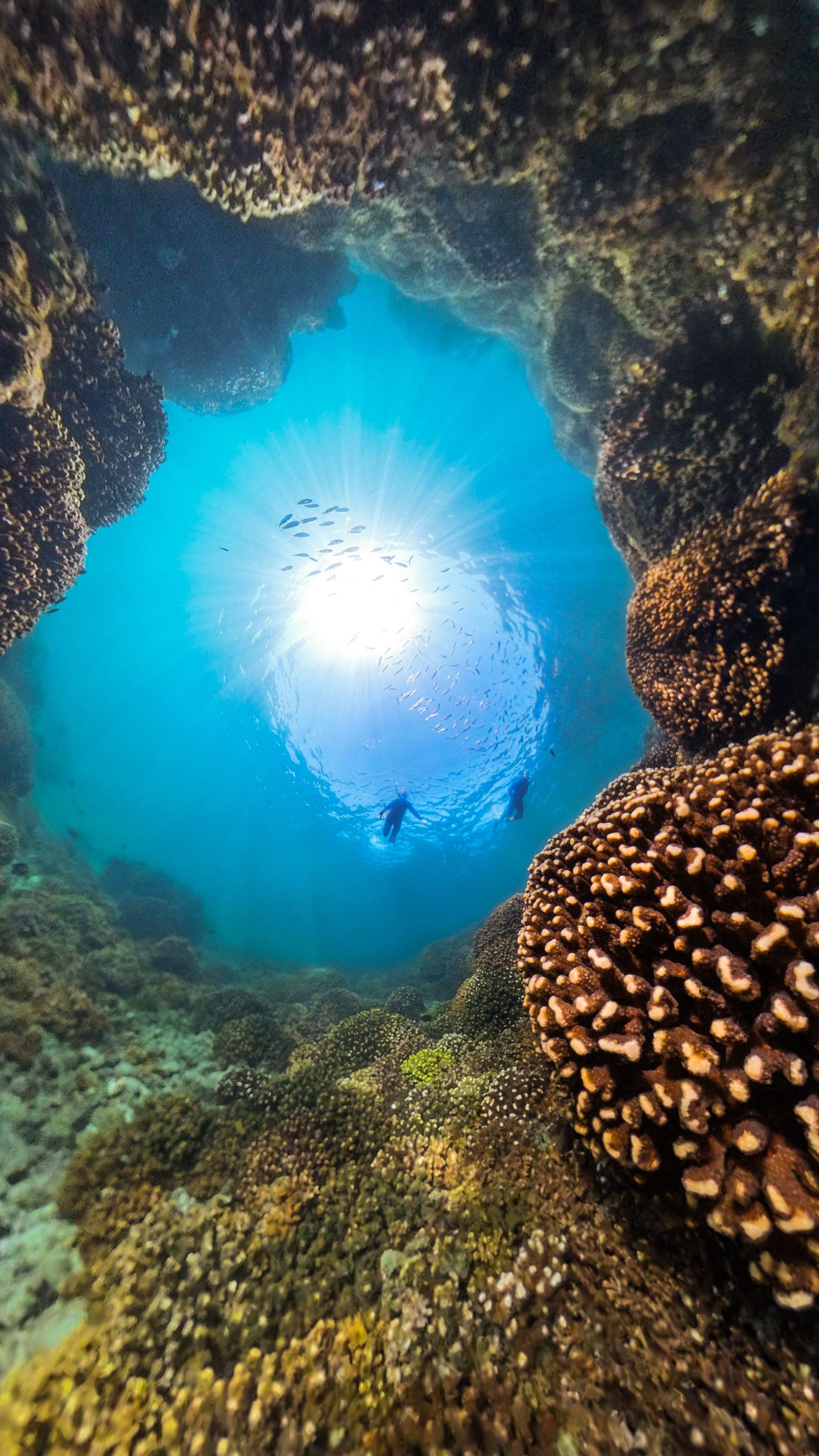
Photos: Matt Bansak (mattbansak.com)
However you sell it.
Rentals by the hour, tours at set times, stays by the night and classes by the seat, in one account.
A
By the hour
Each ski, boat, board or sled counted, with a gap after every booking to get it ready for the next.
Jet skis · boats · kayaks · bikes · skis
B
At set times
Departures with real seats, adults and children priced their own way, weather closures in a few clicks.
Tours · charters · parasail · whales · flights
C
By the night
Nightly stays with check-in and check-out times, cleaning fees and lodging tax.
Cabins · rooms · campsites
D
By the seat
Repeating schedules, seats that fill, and students who tell you what they need before they arrive.
Classes · workshops · lessons
Switching from FareHarbor
Are you a FareHarbor refugee? Welcome home.
Keep what works and leave the rest behind. Upwind costs operators nothing, your customers pay a lower booking fee, and the money goes into your own Stripe account.
- 01
Nothing for operators to pay
Customers pay a small booking fee, and it is lower than the large platforms charge. Upwind costs the operator nothing.
- 02
Your own Stripe account
Customers pay by card through Stripe, into your own account. Upwind never sees a card number.
- 03
Waivers built in
Digital waivers are part of Upwind, not a paid add-on from someone else.
- 04
Booking on your own website
Paste a small piece of code to show booking in your page, as a button, or link to it from anywhere.
Tell us what you use today when you ask for your demo.
Fee comparison: FareHarbor's booking fee is paid by the customer and its level is not published (fareharbor.com/legal/tos-providers); industry estimates put it above Upwind's (arival.travel, Arival Guide to Reservation System Pricing).
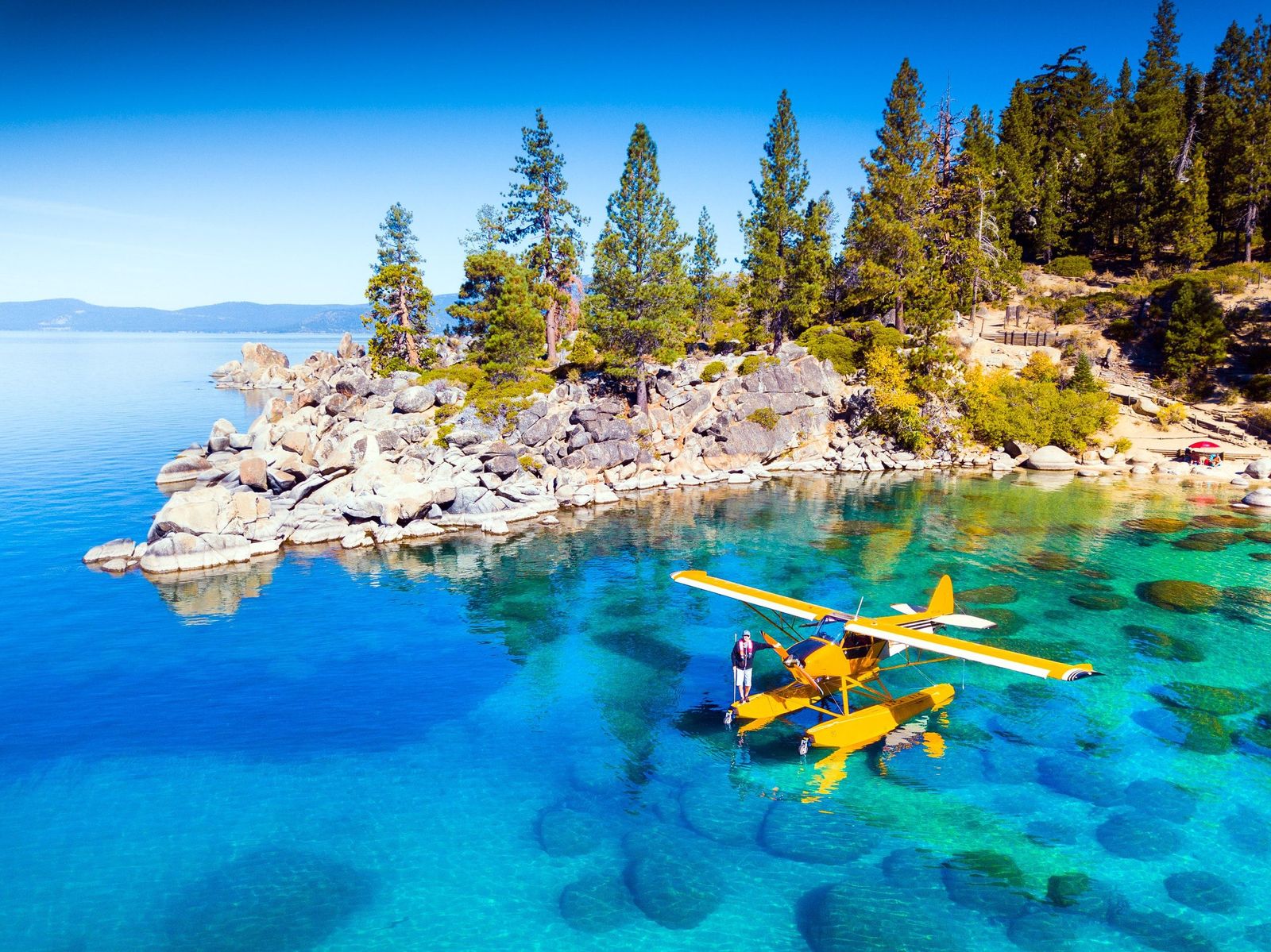
Photo: Matt Bansak (mattbansak.com)
Features
Every part of the booking.
From the first click on your website to the guest standing at your counter. Digital waivers are part of Upwind, not a paid add-on from someone else.
- 01
Presets
Start a new offering from the card closest to what you sell, from a jet ski rental to a dinner or a cabin, and the usual settings come ready for you to change.
- 02
Digital waivers
Each guest signs on their own phone before they arrive, or a whole group signs from one shared code. A parent or guardian signs for anyone under 18.
- 03
QR check-in
Customers show a code on their phone. You scan it at the door and their booking opens.
- 04
Card payments
Customers pay by card on your booking page, through Stripe, into your own account. Take a card by phone, or let a customer pay from a code on their own phone.
- 05
Group pricing, add-ons and coupons
Prices that change with group size, extras guests can add, deposits, and promotion codes with limits.
- 06
Weather closures
Close a day, some hours or one unit, see who is booked, refund and tell every customer in a few clicks.
- 07
Questions for guests
Ask weight, height, a dietary need or anything else when they book, and see the answers on your manifest.
- 08
E-mails with your name on them
Confirmations and waiver links go out with your logo and your own words. Preview each one and send yourself a test.
- 09
Reports for your bookkeeper
Sales, payments and refunds for any period, with a tax summary for your accountant and spreadsheets to download.
- 10
Calendar and Today
The day at a glance, with what is out, what is due back and what is free, and a week and month calendar you can follow in Google, Apple or Outlook.
- 11
Team roles and locations
Invite your team as owners, managers, front desk, staff, guides or analysts, and give each person the places they work.
- 12
Your website, your booking button
Share a booking page, or put booking on your own site as a button, in the page or as a link.

Around the clock
Booked while you sleep.
Your booking page takes bookings from your website around the clock, and every confirmation goes out with your logo and your own words.
Photo: Matt Bansak (mattbansak.com)
Built for 14+ kinds of business.
Pick yours to see how Upwind fits it, from the first booking to the end of the day.
- 01Tours & chartersSet times
- 02Jet ski & boat rentalsBy the hour
- 03Kayak, SUP & bike rentalsBy the hour
- 04ParasailingSet times
- 05Snorkel & scuba divingSet times
- 06Fishing chartersSeat or boat
- 07Whale watching & wildlife toursSet times
- 08Helicopter & airplane toursBy the seat
- 09Trips & adventuresSet times
- 10Winter tours & rentalsTours & gear
- 11Food, wine & walking toursSet times
- 12Cabins & lodgingBy the night
- 13Classes & workshopsBy the seat
- 14Escape rooms & attractionsTimed entry
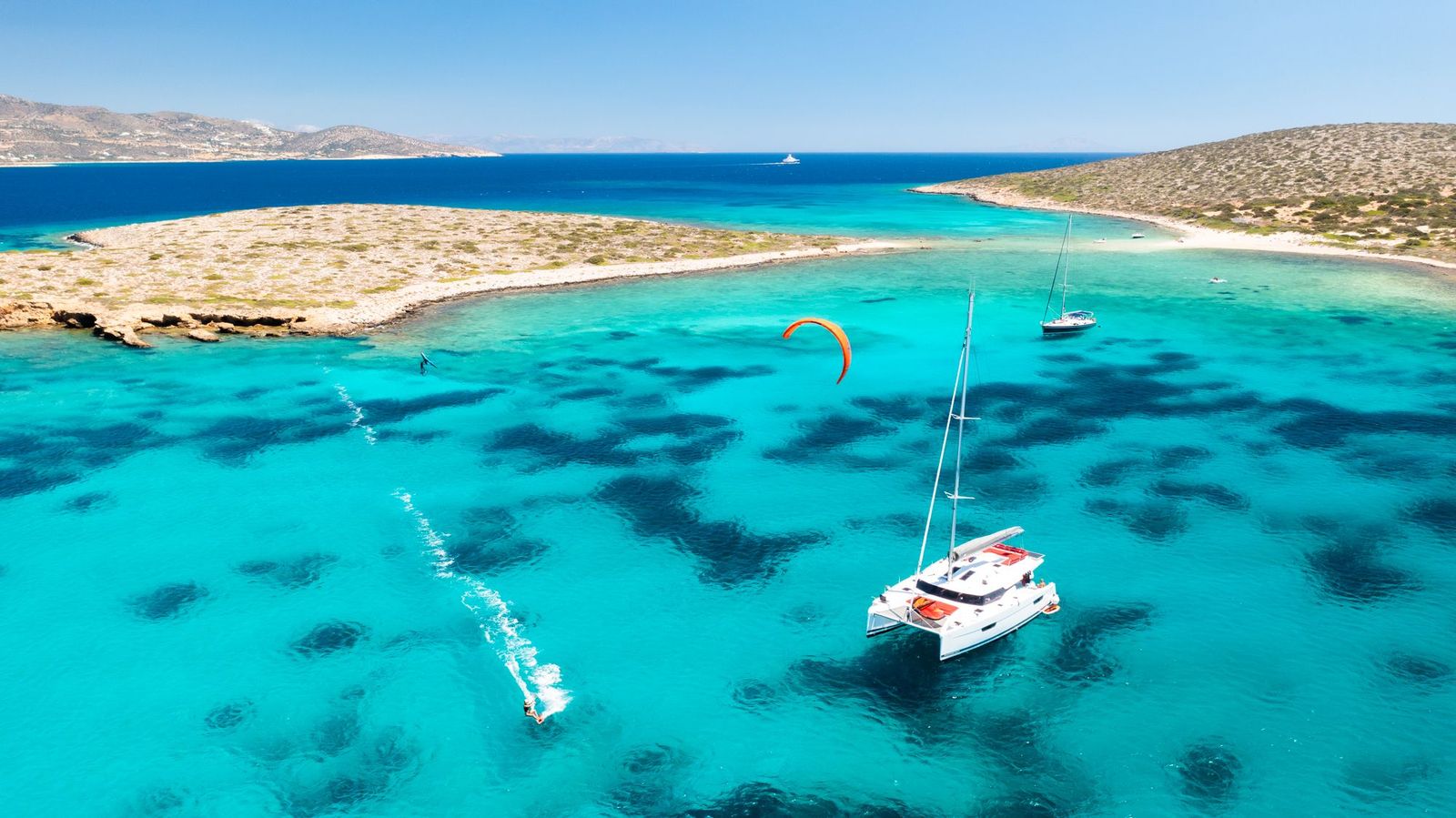
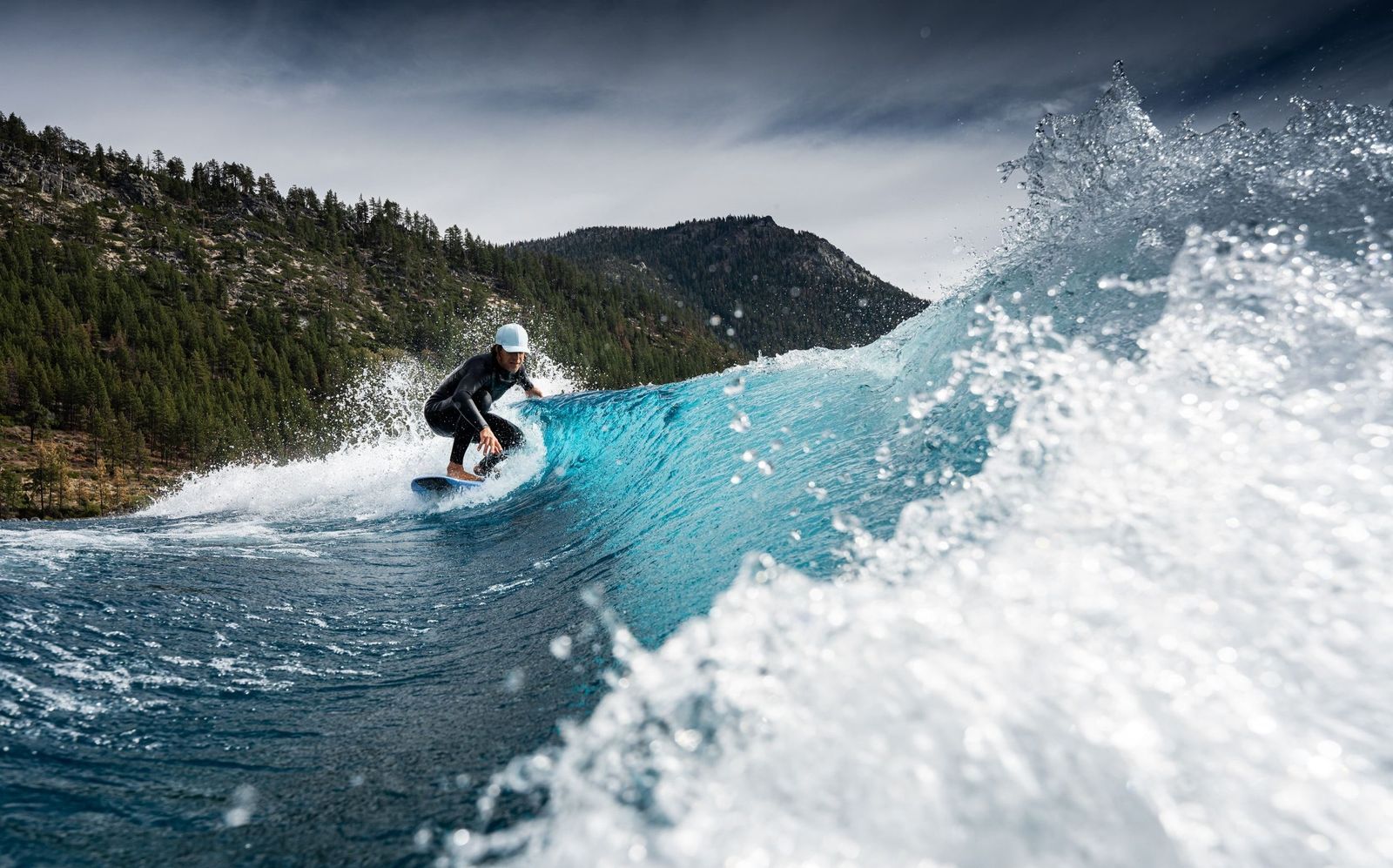
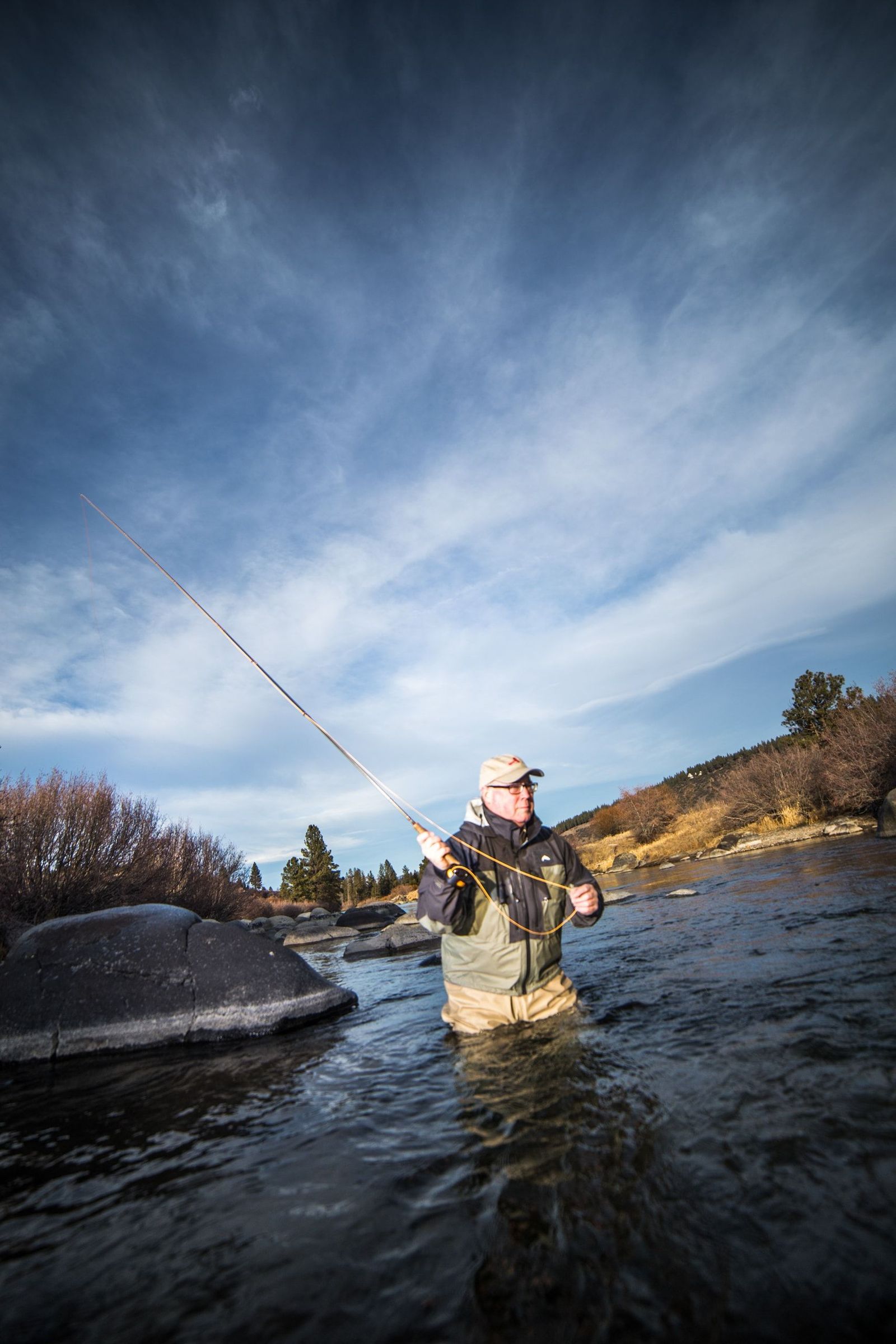
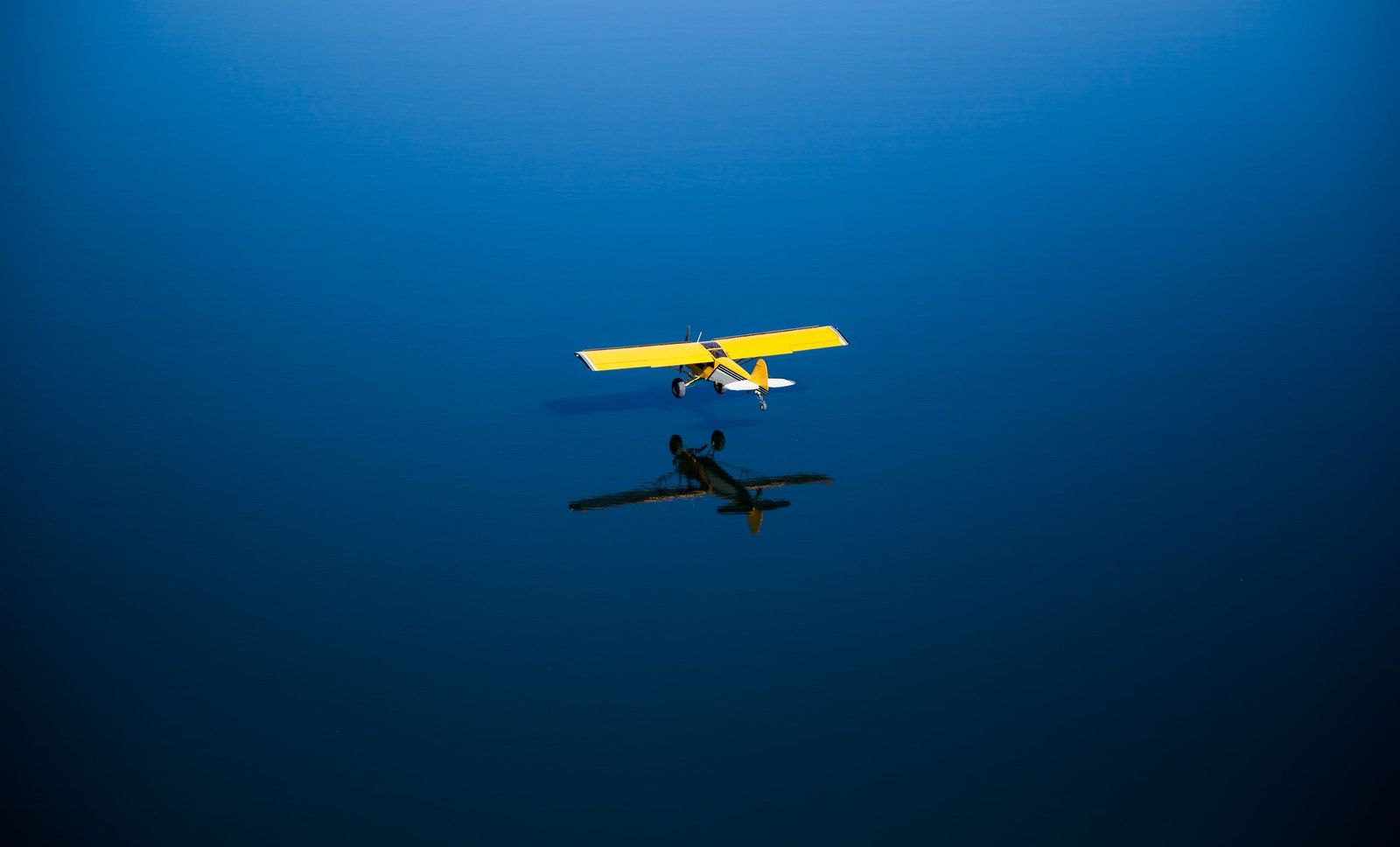
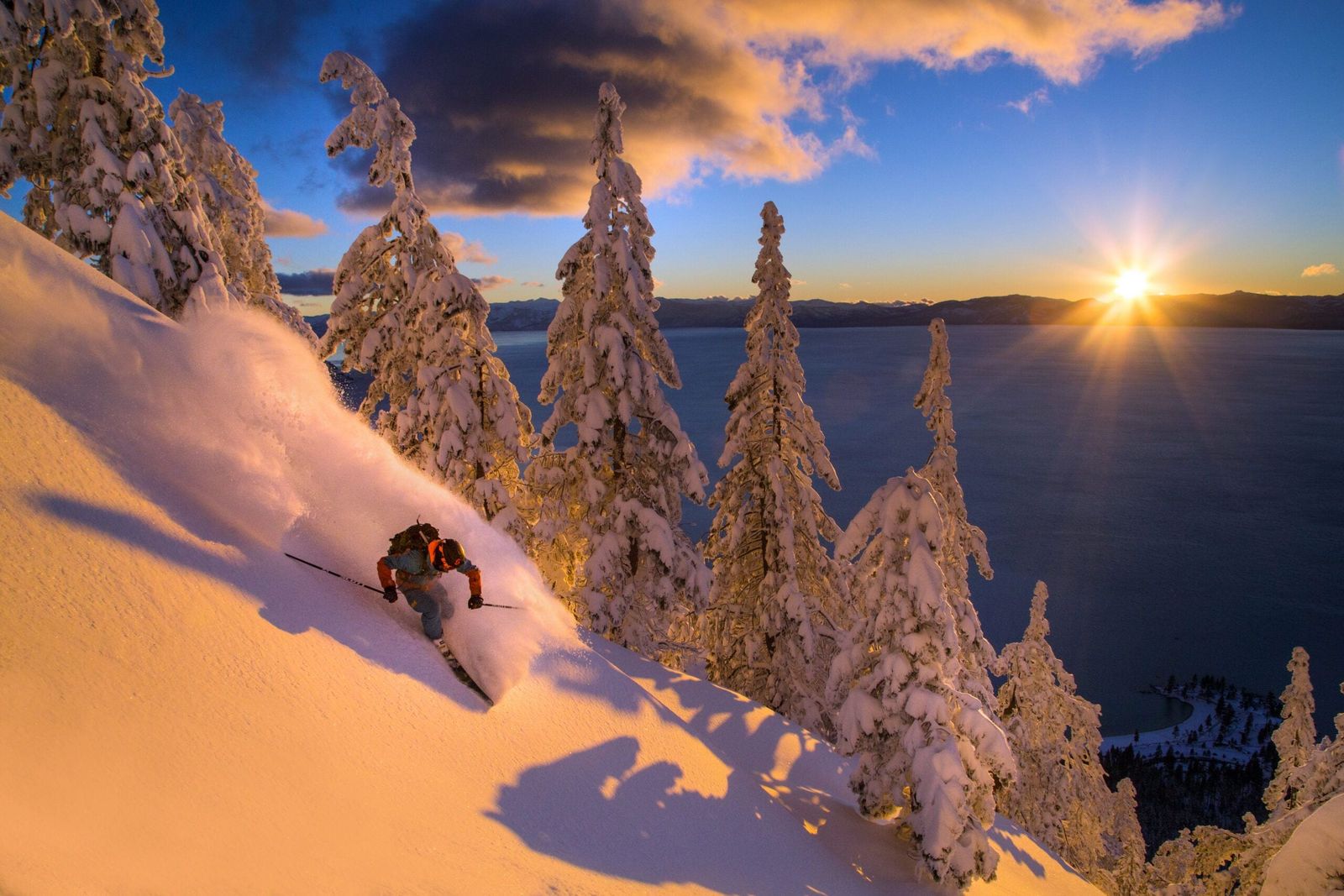
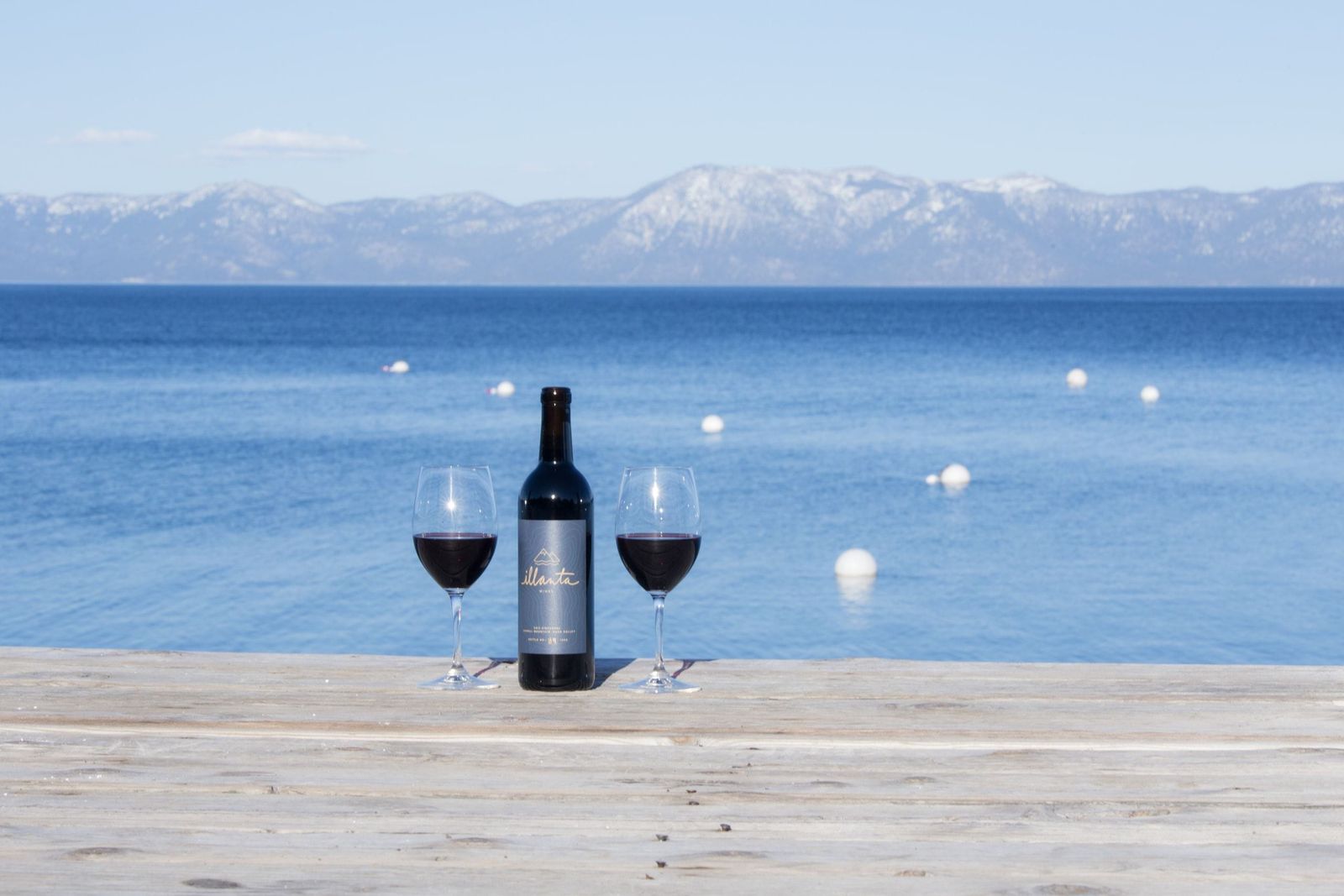

Photo: Matt Bansak (mattbansak.com)
Pricing
Nothing for operators to pay.
Customers pay a small booking fee, and it is lower than the large platforms charge. Upwind costs the operator nothing.
Cards stay with Stripe
Card details go into Stripe's own form. Upwind never sees a card number.
Easy to put on your site
Paste a small piece of code to show booking in your page, as a button, or link to it from anywhere.
Know before they arrive
Ask weight, a dietary need or anything else when guests book, and see the answers on your manifest.
Comparison: FareHarbor's booking fee is paid by the customer and its level is not published (fareharbor.com/legal/tos-providers); industry estimates put it above Upwind's (arival.travel, Arival Guide to Reservation System Pricing). Card payments are processed by Stripe on your own account, and Stripe's standard processing fee applies.
Up and running in three steps.
Set it up yourself, or walk through it with us in your private demo.
- 01
Choose what you sell
Pick the card closest to your business, add your photos, times and prices, and make it available when you are ready.
- 02
Connect card payments
Connect your Stripe account so customers pay by card and the money goes straight to you. Only the owner sees this step.
- 03
Share your booking page
Send the link, or put booking on your website as a button. Then run the day from your phone, your tablet or the front desk.
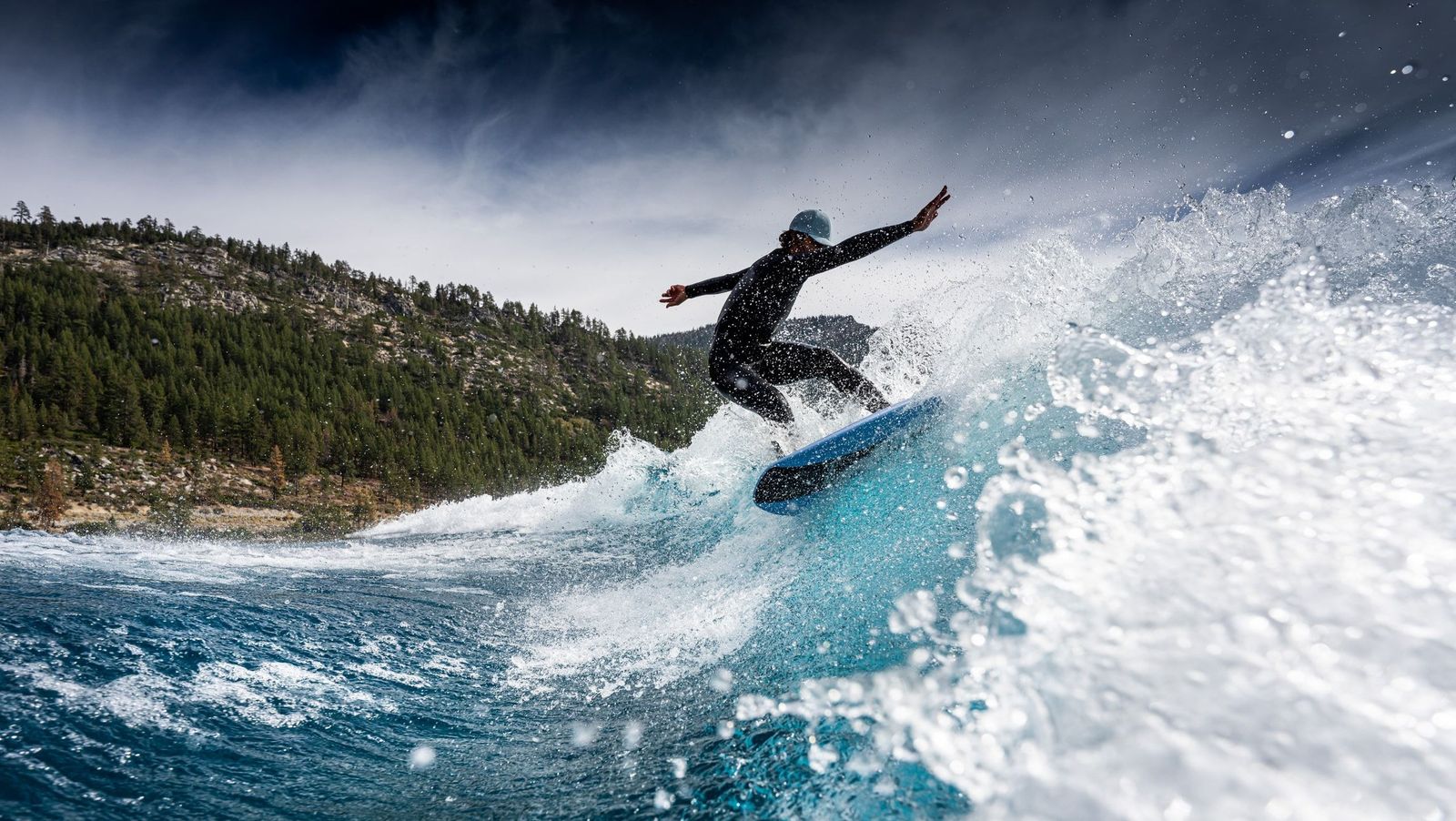
Partner studio · Upwind Creative
Rebuild everything around your bookings.
Upwind Creative is Matt Bansak, the photographer behind this site and a web designer and developer for 16 years. He builds a modern website around your Upwind booking page, shoots the photos and video that sell it, and runs the marketing that brings guests in: your whole web and marketing experience overhauled, with modern, tested functionality.
- 01
Web infrastructure
A fast, modern website designed and built around your booking page, with booking wherever it belongs, tested before launch and hosted for you. Old links keep working, so search rankings carry over.
- 02
Photo, video & drone
Your trips, your fleet and your guests, shot by a photographer published by National Geographic, Outside and Forbes, with video and FAA Part 107 drone work.
- 03
Marketing packages
Search, social and paid campaigns, bundled with the website and the visuals so everything looks and works like one brand. A fixed quote after a free planning call.
Photo: Matt Bansak (mattbansak.com)
Questions
Questions operators ask.
Need a website to go with your bookings? Upwind Creative, our partner studio, does complete web design, hosting, and marketing photo and video production.
Does Upwind Booking cost operators anything?
No. Upwind charges operators nothing. Customers pay a small booking fee, shown in the price from the first screen. Card payments are processed by Stripe on your own Stripe account, and Stripe's own processing fee applies, as it does with any card payment.
What kinds of businesses is it for?
Rentals, tours and charters, fishing charters, snorkel and scuba, whale watching and wildlife tours, trips and adventures, helicopter and airplane tours, parasailing, winter tours and rentals, food, wine and walking tours, cabins and rooms, classes and workshops, and escape rooms and attractions. Pages for each are linked above.
Can I put booking on my own website?
Yes. Show booking in the page, as a button that opens over your page, or as a link.
Private demo
Book a private demo.
We will set up a private demo for the kind of business you run, and answer your questions. Usually within one business day.
- A private walk-through for your kind of business
- Your questions answered by a person
- Nothing for operators to pay for Upwind
We use your details only to reply about your demo.
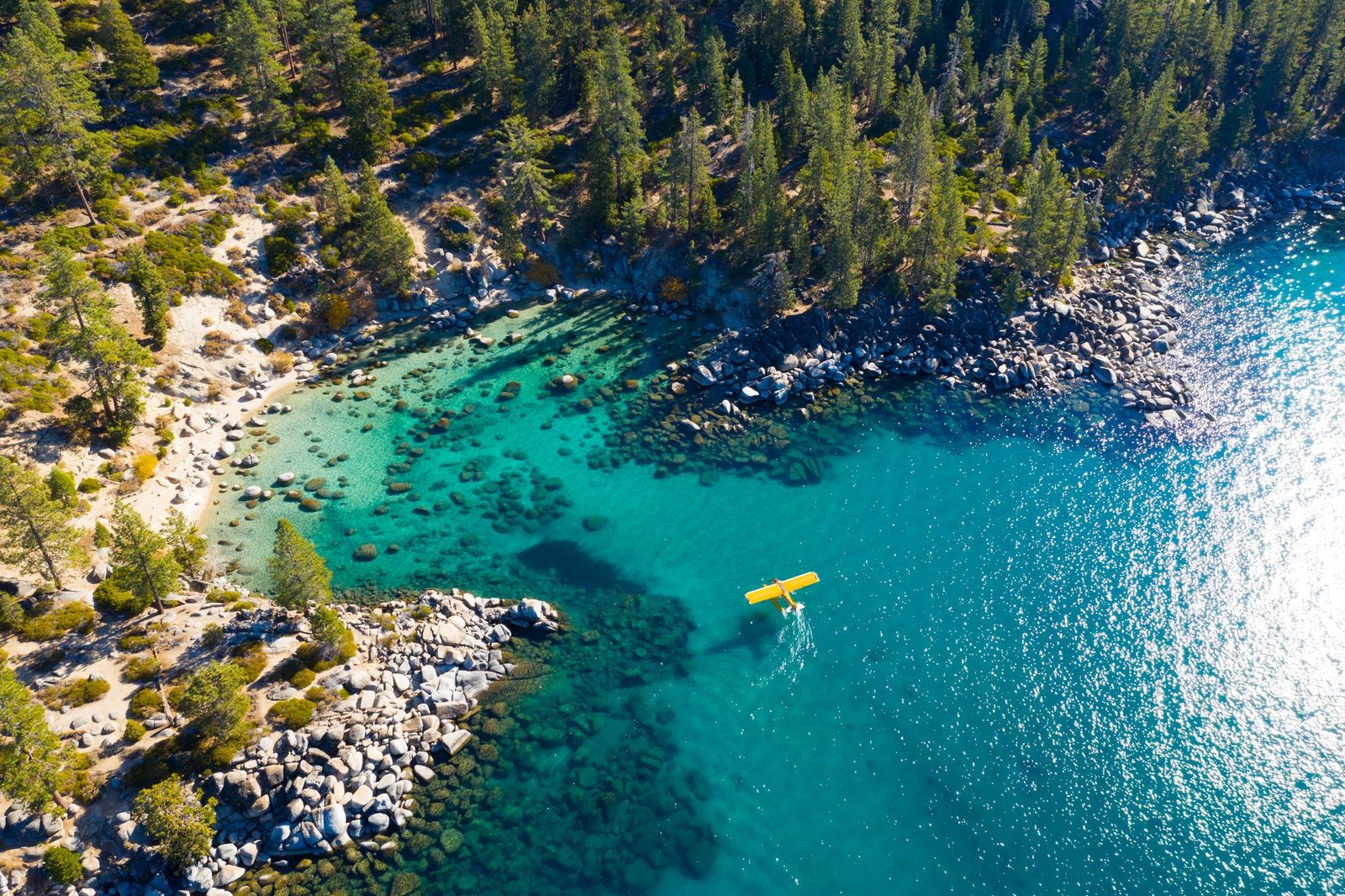
Photo: Matt Bansak (mattbansak.com)